
4.3. Registration of an organisation
To begin registering your organisation, please follow these steps:
- Visit the E2 Reporting Portal at https://e2.aviationreporting.eu/.
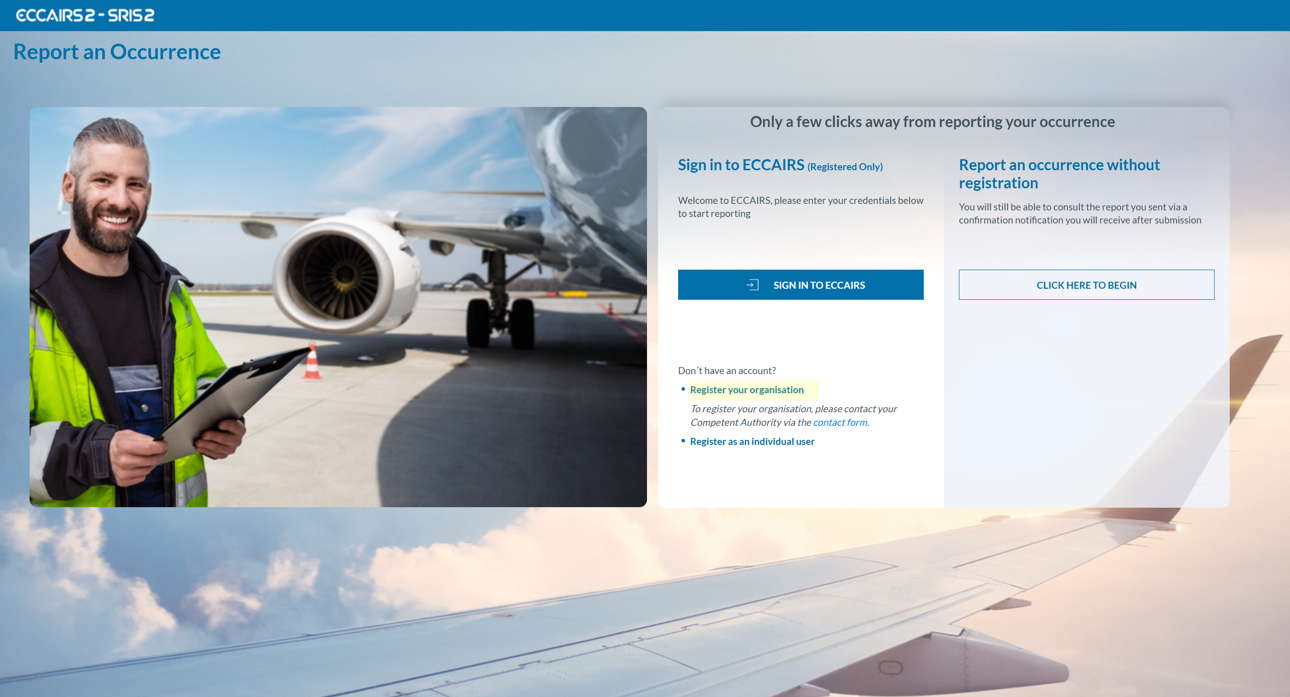
- On the center-bottom section, click on 'Register your Organisation' (If you click the 'contact form' link, you will access the same page). The system will display a Registration Request form to fill out as follows:

All fields are mandatory, except for ‘Phone,’ which is optional.
- Please click 'SUBMIT', and you will receive an email containing instructions to complete the registration process.
An organization must use a different account for each competent authority. A single account cannot be used to submit reports to multiple authorities.